Ghost Calls – Turning Video Conferencing Traffic into Invisible Command-and-Control
August 10, 2025
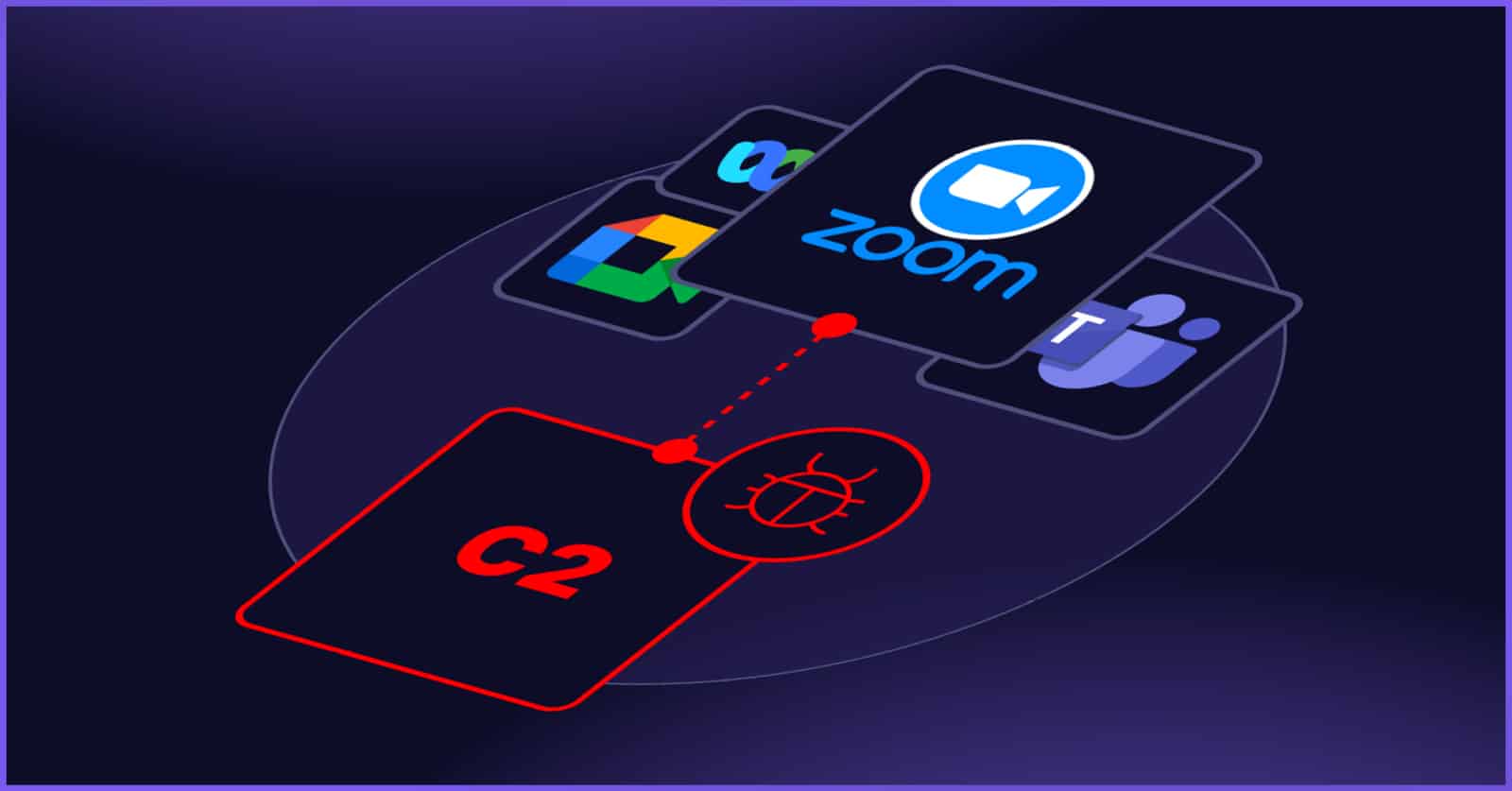
Modern enterprise networks are filled with collaboration traffic —Zoom meetings, teams calls, webRTC connections. security tools tend to trust this kind of traffic because it’s both encrypted and essential for day-to-day operations. Attackers are now taking advantage of that trust. Instead of using classic C2 infrastructure that can be blocked or inspected, they hide inside the exact same video-conferencing flows that everyone else uses. This isn’t a vulnerability or a bug. It’s a clever abuse of normal behavior — and it’s what makes the “ghost calls” technique so difficult to detect.
Attackers have figured out how to hide command-and-control inside normal video calls. The technique is called Ghost Calls, and the whole point is to tunnel traffic through the same TURN servers that Zoom and Microsoft Teams rely on for webRTC. There’s no vulnerability here — it’s pure abuse of normal functionality. When two endpoints can’t reach each other directly because of NAT or corporate firewalls, the video app uses a TURN relay in the cloud as a bridge. those relays are trusted, allowed through firewalls, and rarely inspected.
In a real call, you authenticate, you get temporary credentials, and then you send your audio/video streams to the TURN server.The TURN server forwards them to the other side. Ghost Calls steals or reuses those temporary credentials and creates its own tunnel through the same relay. no video or audio is being sent — just pure C2 traffic wrapped in encrypted WebRTC, over port 443, using “Zoom.com” or “Teams.microsoft.com”. Most security tools simply accept it as business traffic.
Once the tunnel exists, the attacker behaves like they’re inside the victim’s network – scanning, routing traffic, exfiltrating data or opening a stealth VNC session. there’s no popup. no camera light. Nothing that a user would see.
To make things even easier, there’s an open-source utility called TURNt. It operationalizes the whole technique. it has two components:
- A Controller on the attacker side (basically a SOCKS proxy)
- A Relay placed on the compromised host
The Relay uses the stolen TURN credentials and sets up a WebRTC data channel through the legitimate Zoom/Teams TURN server. the Controller listens for connections and handles all the traffic coming through the tunnel. once this fake “call” is established, the attacker can push anything through it — internal connections, file transfers, VNC sessions — and everything rides across normal corporate collaboration infrastructure.
No suspicious domains. no external C2 servers. everything blends into the constant noise of corporate Zoom/Teams traffic. that’s why it’s so hard to detect.
If you later want the detection / mitigation perspective (how defenders could try to spot it), just say “yes, give me detection”.
Download the Full Report (pdf)